Radar Level Transmitter Display
Radar Level Transmitter Display: A Technical Guide to Local Interface and Field Diagnostics
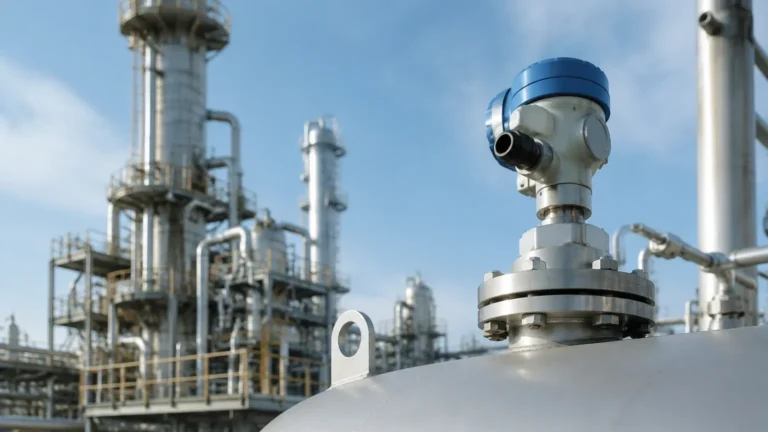
In modern industrial process automation, the accuracy of level measurement is paramount for safety, inventory management, and process efficiency. While remote monitoring via PLC (Programmable Logic Controller) or SCADA (Supervisory Control and Data Acquisition) systems is standard, the radar level transmitter display remains a critical component for field engineering. It serves as the primary interface for local commissioning, real-time diagnostics, and maintenance without requiring external handheld communicators or laptop interfaces.
This guide explores the technical specifications, operating principles, and selection criteria for radar level transmitter displays, providing engineers and procurement specialists with the factual data needed to integrate these instruments into complex industrial environments.
1. Measurement Principles of Radar Level Meters
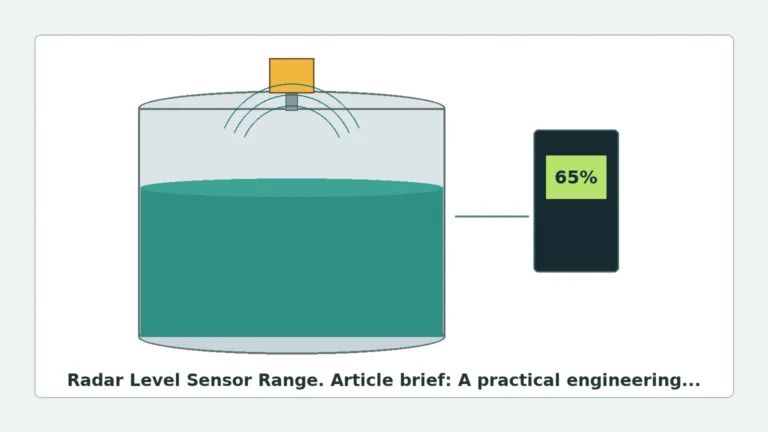
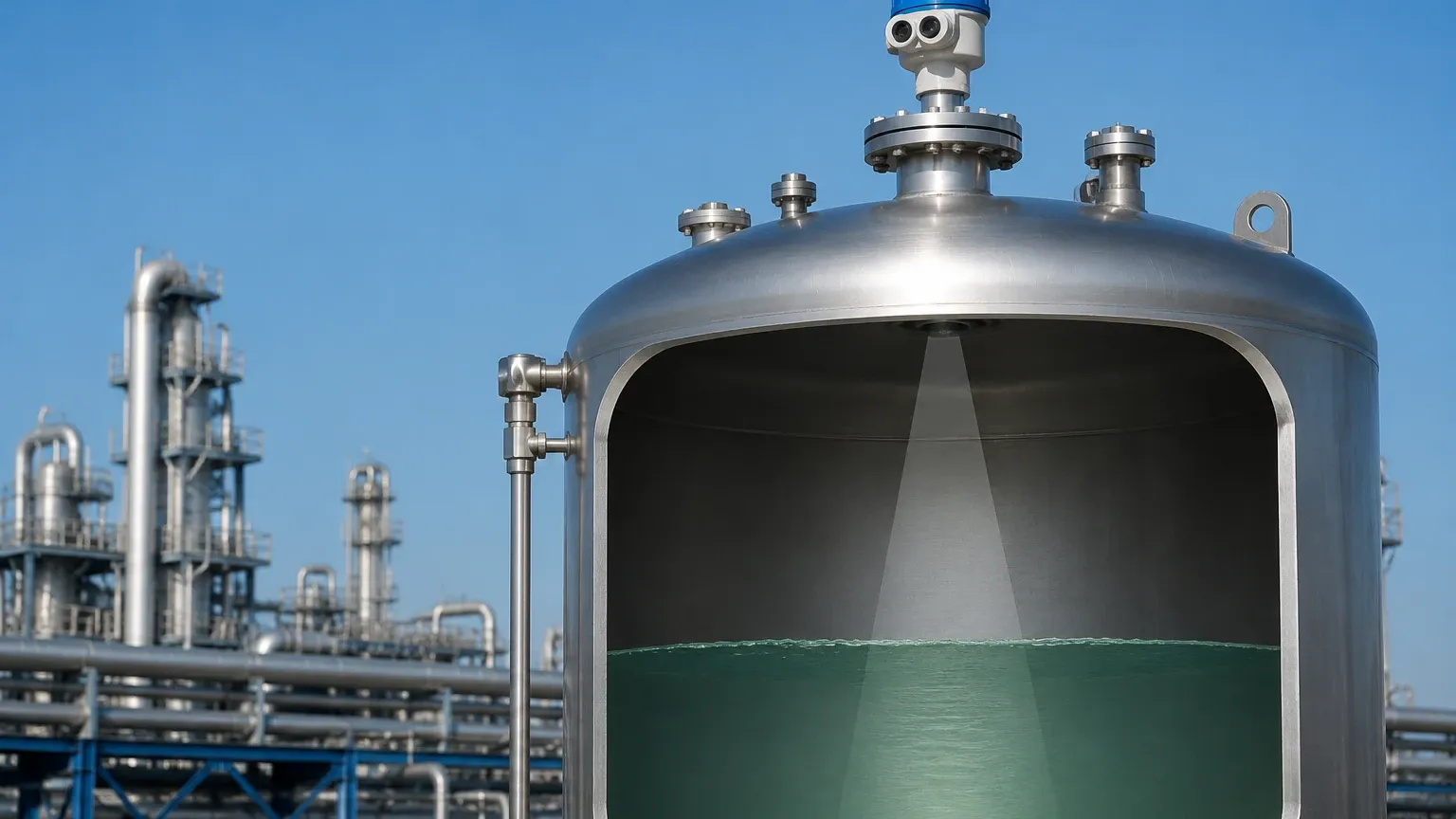
Before evaluating the display interface, it is essential to understand the underlying technology of Radar Level Meters. These instruments utilize electromagnetic waves to measure the distance from the sensor to the surface of a liquid or solid medium.
Time-of-Flight (ToF) and FMCW
Most industrial radar transmitters operate on one of two principles:
1. Pulse Radar: The instrument emits a short microwave pulse and measures the time it takes for the pulse to travel to the product surface and back. The distance is calculated using the constant speed of light.
2. FMCW (Frequency Modulated Continuous Wave): The transmitter emits a continuous signal with a constantly changing frequency. The difference in frequency between the emitted signal and the received reflection is proportional to the distance. FMCW is generally preferred for high-precision applications due to its superior signal-to-noise ratio.
Frequency Bands
* 26GHz Radar: Suitable for most liquid applications with moderate turbulence or steam.
* 80GHz Radar: Offers a narrower beam angle and higher resolution, making it ideal for small tanks, agitated liquids, or solids where internal obstructions (like agitators or ladders) are present.
Regardless of the frequency, the radar level transmitter display is the tool used to visualize how these signals interact with the process environment.
2. Functions of the Radar Level Transmitter Display
A professional-grade display does more than show a numerical value. In B2B industrial engineering, the local interface must provide comprehensive data for site technicians.
Real-Time Process Variables
The primary function is to display the measured level. However, advanced units also show:
* Distance: The raw measurement from the sensor reference point to the surface.
* Volume/Mass: Calculated based on pre-programmed tank strapping tables.
* Percentage: The level relative to the calibrated 4-20mA span.
* Temperature: Internal electronics temperature or process temperature (if equipped with secondary sensors).
Echo Curve Visualization
One of the most critical features of a high-end radar level transmitter display is the ability to render an echo curve (envelope curve). This graphical representation shows the intensity of the reflected signals over distance. Engineers use this to identify the "true" level reflection versus "false" echoes caused by tank internal structures or build-up on the antenna.
Status and Diagnostic Icons
Standardized icons (often following NAMUR NE 107 recommendations) inform the operator of the device status:
* Check Mark: Normal operation.
* Wrench: Maintenance required.
* Exclamation Mark: Out of specification.
* Lightning Bolt: Failure/Alarm.
3. Technical Specifications and Selection Criteria
When selecting a radar level transmitter, the display module must be evaluated based on the installation environment and the needs of the maintenance team.
Display Hardware Types
| Feature | LCD (Liquid Crystal Display) | OLED (Organic Light Emitting Diode) |
| :— | :— | :— |
| Visibility | Good in direct sunlight | Excellent in dark/indoor environments |
| Temperature Range | Typically -20°C to +70°C | Typically -40°C to +80°C |
| Power Consumption | Very Low | Moderate |
| Longevity | High; resistant to "burn-in" | Potential for dimming over many years |
Local Configuration Methods
How a technician interacts with the radar level transmitter display is vital for safety, especially in hazardous areas. Common methods include:
* Push-buttons: Standard buttons located under the housing cover. Requires opening the enclosure.
* Magnetic Pen/Optical Keys: Allows the operator to navigate menus through the glass cover of the explosion-proof housing. This is essential for maintaining the flameproof (Ex d) integrity during configuration.
* Removable Modules: Some displays can be unplugged and used as a handheld programmer for other sensors of the same series.
Language and Units
For international buyers, ensure the firmware supports multiple languages (English, Spanish, Chinese, etc.) and allows for seamless switching between metric (m, mm, cm) and imperial (ft, in) units.
4. Installation Considerations for Display Visibility
The physical placement of the radar transmitter affects how useful the display will be. Consider the following engineering constraints:
1. Orientation: Most displays can be rotated in 90° increments. If the transmitter is mounted horizontally or at an angle, the display must be adjustable so the technician can read it without tilting their head.
2. Sunlight and Glare: In outdoor installations, LCDs can become difficult to read in intense sunlight. Selecting a housing with a sunshade or a high-contrast display is recommended.
3. Mounting Height: If the transmitter is mounted on top of a 10-meter silo, a local display may be useless for daily checks. In such cases, a remote display (connected via HART or RS485) should be installed at eye level at the base of the tank.
4. Blind Zones: The display configuration menu is used to set the "Near Blanking" or "Blind Zone" (typically 0.1m to 0.5m depending on the antenna). This ensures the transmitter ignores reflections from the nozzle or the antenna itself.
5. Application-Specific Challenges and Limitations
While the radar level transmitter display is a robust tool, certain industrial conditions present challenges:
* Extreme Cold: Standard LCDs may become sluggish or turn blank at temperatures below -20°C (-4°F). For Arctic environments or cryogenic applications, heated displays or specialized low-temperature modules are required.
* Condensation: In high-humidity environments, moisture can form on the inside of the glass cover. Ensure the transmitter enclosure has a high IP rating (IP67 or IP68) and that the desiccant (if provided) is fresh.
* Hazardous Areas: If the site is a refinery or chemical plant, the display must be housed in an ATEX, IECEx, or UL-certified enclosure. The display module itself must be intrinsically safe (Ex i) or protected by a flameproof enclosure (Ex d).
6. Troubleshooting via the Local Display
When a fault occurs, the radar level transmitter display is the first line of defense. Common error codes and their meanings include:
* E013 (Loss of Echo): The transmitter cannot find a reflection. This could be due to extreme turbulence, a very low dielectric constant (Dk) of the medium, or the tank being empty beyond the calibrated range.
* E017 (Signal Overload): Often caused by a reflection that is too strong, such as when the liquid reaches the antenna, or there is significant build-up on the sensor.
* E062 (Configuration Error): The parameters entered (e.g., tank height vs. 20mA setpoint) are logically inconsistent.
7. Frequently Asked Questions (FAQ)
Q: Can I calibrate the radar transmitter using only the local display?
A: Yes, most modern radar transmitters allow for full "Zero" and "Span" calibration, as well as tank shape configuration and false echo mapping, directly through the display menu without needing a PC.
Q: Is the display always on?
A: In 4-20mA loop-powered (2-wire) systems, the display is powered by the current loop. It remains on as long as the loop is powered. In battery-powered or wireless units, the display may have a "sleep mode" to conserve energy.
Q: What is the difference between a local display and a remote display?
A: A local display is integrated into the transmitter head. A remote display is a separate unit mounted elsewhere (e.g., at the bottom of a tank) that receives data from the transmitter via a digital signal (HART, Modbus) or a 4-20mA retransmission.
Conclusion
The radar level transmitter display is an indispensable tool for the modern industrial engineer. It bridges the gap between complex microwave physics and practical field operation. By selecting a display with high visibility, intuitive menu navigation, and robust diagnostic capabilities, facilities can ensure faster commissioning and reduced downtime.
For technical assistance in selecting the correct configuration for your specific application, including antenna types and housing options, you can Review product options and application support to match the instrument to your process requirements. Whether managing water treatment facilities or chemical storage tanks, the right interface ensures that critical level data is always accessible where it is needed most—at the point of measurement.