Echo Touch Screen
Echo Touch Screen
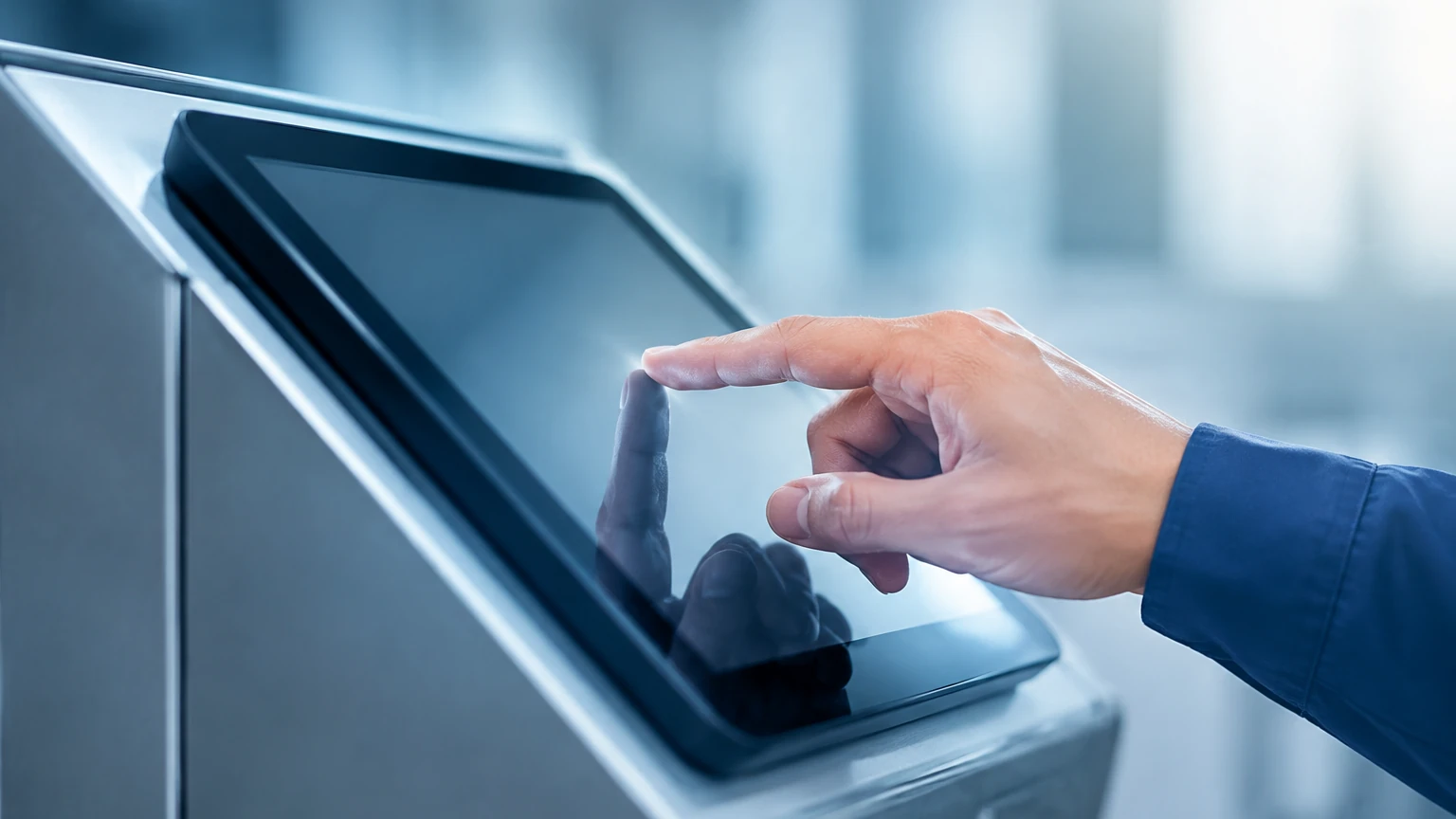
In the field of industrial level measurement, the ability to visualize signal data in real-time has transformed from a luxury to a technical necessity. An echo touch screen refers to the advanced human-machine interface (HMI) integrated into or connected to ultrasonic and radar level transmitters. These interfaces allow engineers and operators to view the "echo envelope"—a graphical representation of the reflected signals—and interact with the device configuration through a touch-sensitive panel.
As industrial processes become more complex, relying solely on a digital numerical output is often insufficient for troubleshooting. Modern solutions, such as those found on the Main Page of professional instrumentation providers, emphasize the importance of visual diagnostics to ensure measurement reliability in challenging environments.
Measurement Principles and Echo Visualization
To understand the value of an echo touch screen, one must first understand the underlying measurement principles of non-contact level sensors, specifically ultrasonic and radar technologies.
Time-of-Flight (ToF) Principle
Both ultrasonic and radar sensors operate on the Time-of-Flight principle. The sensor’s transducer or antenna emits a pulse (sound waves for ultrasonic, electromagnetic waves for radar). This pulse travels through the air or vapor space, hits the surface of the medium, and reflects back to the sensor. The device measures the time taken for this round trip. Since the speed of the pulse is known, the distance to the product surface can be calculated.
The Echo Envelope
The "echo" is the returned signal. In a perfect vacuum or a completely empty tank with no internal obstructions, the sensor would receive a single, clear reflection from the bottom. However, in practical industrial applications, the signal encounters agitators, heating coils, ladders, and turbulent surfaces.
An echo touch screen displays the "envelope curve." This curve plots the signal amplitude (usually in decibels) against the distance (in meters or millimeters). By observing this curve, an operator can distinguish between:
1. The True Echo: The reflection from the actual liquid or solid surface.
2. False Echoes: Reflections from internal tank structures.
3. Noise: Background interference caused by electrical issues or extreme turbulence.
Interactive Signal Processing
The "touch" component of the screen allows for direct interaction with this curve. Operators can manually set "false echo suppression" or "masking" zones. By touching the screen and dragging a threshold line over a known obstruction, the sensor’s software is instructed to ignore any reflections within that specific distance and amplitude range, focusing only on the moving product level.
Key Features and Evaluation Criteria
When selecting a level meter equipped with an echo touch screen, engineering teams must evaluate several hardware and software factors to ensure longevity and usability in the field.
Display Technology
Most industrial echo touch screens utilize TFT-LCD or OLED technology. For outdoor installations, high-contrast displays with backlighting are essential for readability under direct sunlight. The resolution must be high enough to clearly define the peaks and valleys of the echo envelope, especially in narrow tanks where multiple reflections occur close together.
Touch Sensitivity and Durability
Industrial environments often require operators to wear gloves. Therefore, resistive touch screens are frequently preferred over capacitive ones, as they respond to pressure rather than electrical conductivity. Furthermore, the screen must be protected by a chemically resistant cover (such as toughened glass or polycarbonate) to withstand exposure to vapors and cleaning agents.
Data Logging and Diagnostics
Advanced echo touch screens do more than just show the current level. They often include internal memory for data logging. If a measurement error occurs at 2:00 AM, the operator can scroll back through the echo history on the screen to see what the signal looked like at the moment of failure. This is invaluable for identifying intermittent issues like foam buildup or rapid boiling.
Practical Selection Guide
The following table provides a comparison of features to consider when evaluating echo touch screen interfaces for different industrial applications.
| Feature | Standard LCD (Non-Touch) | Basic Echo Touch Screen | Advanced Diagnostic Touch HMI |
| :— | :— | :— | :— |
| Visualization | Numerical & Bar Graph | Static Echo Curve | Live, Zoomable Echo Envelope |
| Configuration | Push-buttons / Menu-driven | Touch Menu | Gesture-based Mapping |
| Environment | General Purpose | IP65/66 Protected | IP67/68, Sun-readable |
| Diagnostics | Error Codes Only | Basic Signal Strength | Historical Data & Trend Analysis |
| Glove Compatibility | N/A (Buttons) | High (Resistive) | Variable (Capacitive/Resistive) |
| Best Use Case | Simple water tanks | Chemical storage | Complex reactors with agitators |
Installation and Configuration Considerations
Proper installation of a device with an echo touch screen is critical for both the accuracy of the measurement and the accessibility of the interface.
Orientation and Accessibility
The sensor should be installed in a position where the touch screen is easily accessible to maintenance personnel. If the sensor is mounted at the top of a 10-meter tall silo, a remote-mounted echo touch screen (connected via RS485 or a proprietary digital link) is recommended. This allows the operator to perform diagnostics at eye level rather than climbing the structure.
Wiring and Power Requirements
Touch screens, especially high-brightness color versions, consume more power than simple segmented LCDs. In 2-wire (loop-powered) systems, the available current is limited (4-20mA). Engineers must ensure the instrument is designed to manage this power budget without compromising the measurement frequency or screen refresh rate. In many cases, a 4-wire system with a dedicated power supply is preferred for devices with large, high-resolution touch interfaces.
Initial Setup and Calibration
Upon first power-up, the echo touch screen will typically prompt for basic tank geometry:
* Tank Height (Reference Point): The distance from the sensor face to the bottom of the tank.
* Blind Zone (Dead Band): The minimum distance the sensor can measure (usually 0.1m to 0.5m depending on the frequency).
* Damping Time: How quickly the display responds to changes in level.
Once these are set, the echo envelope should be inspected. If the tank is empty, any peaks shown on the screen represent internal obstructions that must be mapped out using the touch interface's "Learn" or "Suppress" function.
Limitations and Operational Risks
While echo touch screens offer significant advantages, they are not without limitations.
1. Temperature Sensitivity: LCD technology can become sluggish in extreme cold (below -20°C) or lose contrast in extreme heat (above +70°C). In such climates, integrated heaters or sunshades are required.
2. Chemical Compatibility: The screen's outer layer must be compatible with the ambient atmosphere. For example, in an environment with high concentrations of solvent vapors, a plastic screen might cloud or craze, rendering the touch interface unusable.
3. Complexity Overload: For very simple applications, such as a basic sump pump control, an echo touch screen may introduce unnecessary complexity. The goal should always be to match the tool to the application's demands.
Frequently Asked Questions (FAQs)
Q: Can I use the echo touch screen while wearing heavy industrial gloves?
A: Yes, provided the device uses a resistive touch screen. These screens respond to physical pressure. Capacitive screens, like those on smartphones, may require specialized conductive gloves.
Q: What is the difference between an echo curve and an envelope curve?
A: In practical terms, they are often used interchangeably. Technically, the echo curve is the raw reflected signal, while the envelope curve is the processed signal that "wraps" around the peaks to make them easier for the software and the user to analyze.
Q: Does the screen need to be on all the time?
A: No. Most industrial level meters include a "sleep" or "auto-off" function for the display to conserve power and extend the life of the backlight. The touch screen usually wakes up when tapped.
Q: How do I clean the touch screen without accidentally changing settings?
A: Most professional interfaces include a "Clean Mode" or a screen lock function. This disables touch input for a set period (e.g., 30 seconds), allowing the operator to wipe the surface without triggering any menu changes.
Conclusion
The integration of echo touch screen technology into level measurement instruments represents a shift toward more transparent and manageable industrial processes. By allowing operators to see exactly what the sensor sees, these interfaces reduce the time required for commissioning and troubleshooting. Whether dealing with the turbulent surface of a chemical reactor or the dusty environment of a grain silo, the ability to interact directly with the signal envelope ensures that the data driving the plant's automation is both accurate and reliable. For those looking to upgrade their current measurement capabilities, exploring the latest HMI-enabled sensors on the Main Page is a recommended first step in modernizing process control.