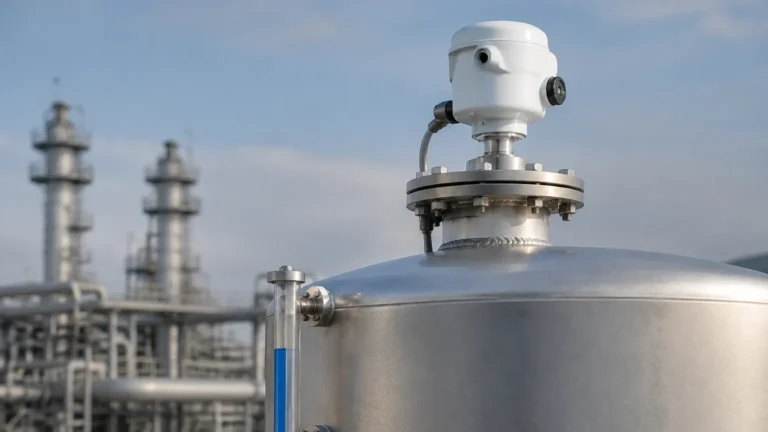
Radar Level Sensor Arduino
Radar Level Sensor Arduino: An Engineering Guide to Industrial Integration
In the landscape of industrial automation and the Internet of Things (IoT), the ability to prototype and deploy cost-effective monitoring solutions has become a priority for process engineers. Integrating a radar level sensor arduino setup offers a versatile pathway for developing proof-of-concept systems, remote monitoring nodes, and specialized data logging tools. While industrial environments typically rely on high-grade Radar Level Meters connected to PLCs (Programmable Logic Controllers), the use of microcontrollers like the Arduino for data acquisition is increasingly common in pilot plants and distributed water management projects.
This guide explores the technical principles of radar measurement, the hardware requirements for interfacing industrial sensors with microcontrollers, and the critical selection criteria necessary for reliable performance in professional applications.
Measurement Principles of Radar Technology
Before implementing a radar level sensor arduino project, it is essential to understand the underlying physics of how these instruments detect surface levels. Radar (Radio Detection and Ranging) instruments utilize electromagnetic waves, typically in the microwave spectrum, to measure distance. Unlike ultrasonic sensors, which rely on sound waves and are susceptible to errors caused by air temperature, pressure fluctuations, and wind, radar waves travel at the speed of light and remain largely unaffected by the gas phase composition above the product.
Time of Flight (ToF) vs. FMCW
There are two primary methods used by industrial radar level meters to determine distance:
1. Pulse Radar (ToF): The sensor emits a short microwave pulse toward the medium. The pulse reflects off the surface and returns to the receiver. The instrument measures the time elapsed (nanoseconds) and calculates the distance based on the constant speed of light. Pulse radar is often preferred for its lower power consumption, making it suitable for battery-powered Arduino nodes.
2. Frequency Modulated Continuous Wave (FMCW): The sensor emits a continuous signal with a constantly changing frequency (a frequency sweep). The reflected signal is compared to the currently emitted signal. The frequency difference between the two is directly proportional to the distance. FMCW provides significantly higher accuracy and better signal-to-noise ratios, which is critical when measuring materials with low reflectivity.
The Role of the Dielectric Constant (εr)
The reliability of the reflection depends on the dielectric constant of the material being measured. Materials with high dielectric constants, such as water (εr ≈ 80), reflect electromagnetic waves very effectively. Conversely, hydrocarbons, oils, and solids like plastic pellets have low dielectric constants (εr < 3), meaning a significant portion of the radar energy penetrates the material rather than reflecting. When selecting a radar level sensor for an Arduino-based system, the sensitivity of the sensor must match the dielectric properties of the target medium.
Interfacing Industrial Radar Sensors with Arduino
Industrial radar level meters typically output signals in formats designed for long-distance transmission and noise immunity, such as 4-20mA analog loops or RS485 digital signals (Modbus RTU). Standard Arduino boards operate on 3.3V or 5V TTL logic, necessitating an interface layer.
RS485 and Modbus RTU Integration
For most B2B applications, the digital RS485 interface is preferred over 4-20mA because it allows for the retrieval of multiple parameters (level, distance, signal strength, and temperature) and supports multiple sensors on a single bus. To connect an industrial radar sensor to an Arduino, an RS485-to-TTL converter (such as the MAX485) is required.
Technical Considerations for Integration:
* Power Supply: Industrial sensors usually require 12V to 24V DC. The Arduino cannot provide this power directly. A common ground must be maintained between the external power supply and the Arduino to ensure signal integrity.
* Protocol Handling: Using libraries like `ModbusMaster` allows the Arduino to act as a Modbus Master, polling the radar sensor (the Slave) for data stored in specific registers.
* Signal Isolation: In industrial environments, electrical noise from motors and VFDs can interfere with microcontroller logic. Optocouplers or isolated RS485 transceivers are recommended to protect the Arduino circuitry.
Selection Criteria for Radar Level Meters
Choosing the correct hardware is the most critical step in ensuring project success. The following table provides a comparison of common radar frequencies and their typical industrial applications.
Industrial Radar Selection Table
| Feature | 6.3 GHz Radar | 26 GHz Radar | 80 GHz Radar |
| :— | :— | :— | :— |
| Beam Angle | Wide (approx. 20-30°) | Medium (approx. 8-12°) | Narrow (approx. 3-4°) |
| Accuracy | ±10 mm to ±20 mm | ±2 mm to ±5 mm | ±1 mm |
| Best Use Case | Large tanks, turbulent surfaces | Most industrial liquids/solids | Small vessels, narrow nozzles |
| Obstruction Handling | Poor (picks up wall echoes) | Moderate | Excellent (narrow beam avoids obstacles) |
| Max Range | Up to 30 m | Up to 70 m | Up to 120 m |
Frequency and Beam Angle
For a radar level sensor arduino application, the frequency choice determines the "focus" of the sensor. A higher frequency (e.g., 80 GHz) results in a narrower beam angle. This is vital if the sensor is mounted in a tank with internal obstructions like ladders, heating coils, or agitators. A narrow beam can be directed through a small gap to hit the liquid surface without generating false echoes from the tank infrastructure.
Installation Considerations and Best Practices
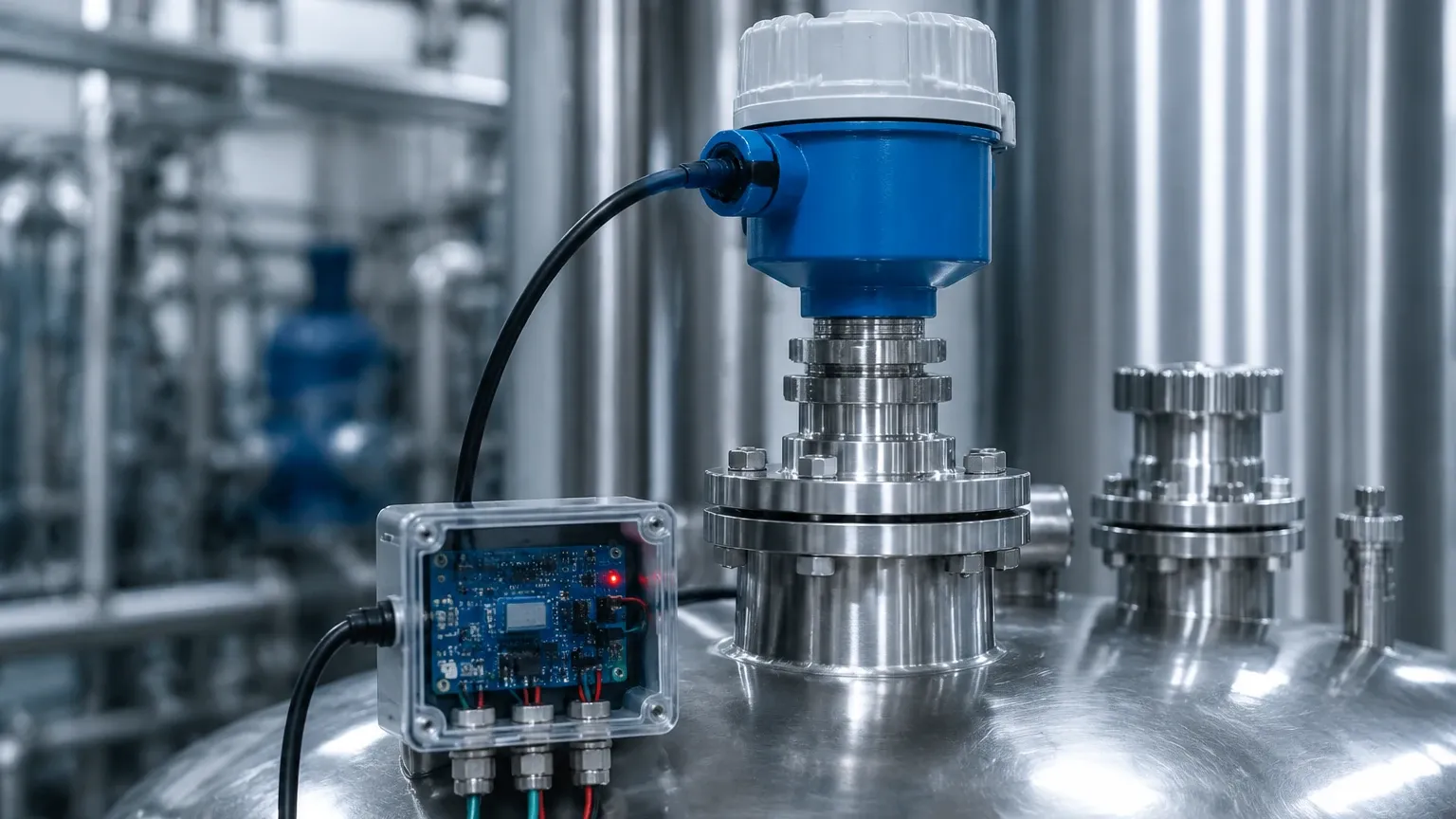
Correct physical installation is as important as the electronic interface. Even the most advanced radar level meters will fail if mounted incorrectly.
1. Dead Zone (Blocking Distance): Every radar sensor has a minimum measurement distance (typically 50 mm to 200 mm from the antenna). Ensure the maximum expected liquid level does not enter this zone, as readings will become erratic.
2. Mounting Position: The sensor should generally be mounted at 1/6 to 1/4 of the tank diameter away from the wall. Mounting too close to the wall can cause interference from side-lobe reflections. Avoid mounting the sensor directly over the center of a tank with a domed roof, as this can concentrate reflected energy and cause signal saturation.
3. Nozzle Dimensions: If the sensor is mounted on a nozzle, the nozzle's height should be kept as short as possible, and the diameter should be large enough to prevent the radar beam from hitting the nozzle walls before entering the tank.
4. Alignment: The antenna must be installed perpendicular to the product surface. For solid materials that form a conical pile, an adjustable flange may be necessary to aim the radar at the material's slope to maximize signal return.
Limitations and Environmental Constraints
While radar is a robust technology, engineers must be aware of specific limitations:
* Heavy Foam: Extremely dense, thick foam can absorb or scatter radar signals. In such cases, a guided wave radar (GWR) or a specialized low-frequency radar may be required.
* Vacuum and Pressure: While radar works in a vacuum, the mechanical housing and seal of the sensor must be rated for the specific process pressure and temperature. Welk offers customized solutions for high-pressure environments.
* Electrical Noise: Microcontrollers like the Arduino are sensitive to EMI (Electromagnetic Interference). In industrial settings, use shielded twisted-pair cables for RS485 communication and ensure the shield is grounded at only one end to prevent ground loops.
Frequently Asked Questions (FAQ)
Q: Can I use a cheap RCWL-0516 or similar hobbyist radar module for industrial level measurement?
A: No. Hobbyist modules are designed for motion detection (Doppler shift) and lack the precision, range, and environmental protection required for level measurement. Industrial radar level meters are necessary for accurate distance measurement in tanks.
Q: How do I handle the 4-20mA signal if my radar sensor doesn't have RS485?
A: You can use a high-precision shunt resistor (e.g., 250 ohms) to convert the 4-20mA current into a 1-5V voltage signal, which the Arduino's Analog-to-Digital Converter (ADC) can read. However, for 10-bit Arduinos, the resolution may be insufficient for precise measurements, so an external 16-bit ADC is recommended.
Q: Is radar safe for use in food and beverage applications?
A: Yes, provided the sensor features a hygienic design. This typically includes a PTFE or stainless steel face with no crevices where bacteria can grow, and the materials must be FDA-compliant.
Q: How does the radar level sensor arduino setup handle data logging?
A: By using an SD card shield or an Ethernet/Wi-Fi shield (like the ESP32), the Arduino can log level data to a local CSV file or transmit it to a cloud-based dashboard via MQTT or HTTP protocols.
Conclusion
Integrating a radar level sensor arduino system provides a powerful tool for modern industrial monitoring. By understanding the measurement principles of 26GHz and 80GHz radar, adhering to strict installation guidelines, and using proper RS485/Modbus interfacing, engineers can bridge the gap between flexible prototyping and reliable industrial data acquisition. For high-stakes process control, always ensure the hardware selected meets the necessary accuracy and safety certifications required for the specific industrial environment.